
How to protect a Wilder account
Four habits that usually keep a stranger out of an account.
Most break-ins start with something ordinary: one password used twice, a link in a message, and a person in a hurry. This page is not about perfect defence. It is about four checks you can do in a minute before you type anything.
If you are reading the Wilder site, you are on an information desk, not in a game client. That makes it more important not to confuse the address and not to hand a code to someone who writes “I am from support”.
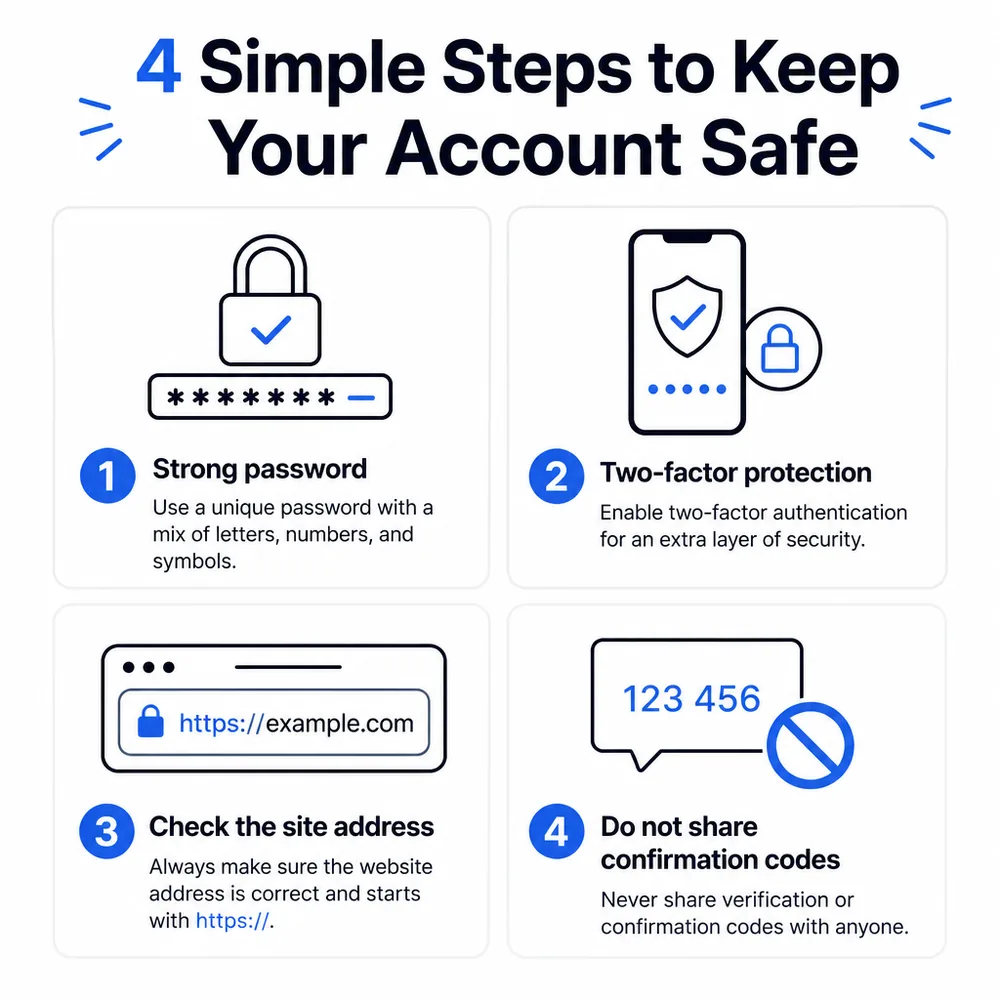
A strong password of its own
The password should be long and should not match the one for mail or a messenger. A phrase of several words beats a short string of digits. A note beside the screen is almost the same as showing it to a guest.
A password manager remembers a unique string for you. It is duller than one password everywhere, which is why it works. If a service asks you to change a password after a odd sign-in, do it from a device you trust, not from a link in a message.
A second check
A code from an app or an email exists so that a password alone is not enough. If a code arrives and you did not start a sign-in, someone already has the password. Change it and look at the list of sessions if the product has one.
Do not forward the code to an “operator” who wrote to you first. Real support does not ask for a code to “check a payout” or “lift a limit”.
Check the site address
Look at the domain before the password. A look-alike letter, an extra hyphen, another public suffix: close the tab. A bookmark you saved yesterday is safer than a link in a newsletter.
The Wilder information site has no cashier. If a page suddenly asks for a card or a wallet, you are not on the address you think you are.
Confirmation codes are not shared
A code from SMS, mail or an app is a key. It is not photographed “for a report” and not read aloud to a stranger. Urgency and a story about a win are not support.
If you already sent a code
Change the password. End sessions if there is a button for that. Write from a device you trust to the place you already use for serious questions. Do not send the code a second time “for clarification”.
A short order
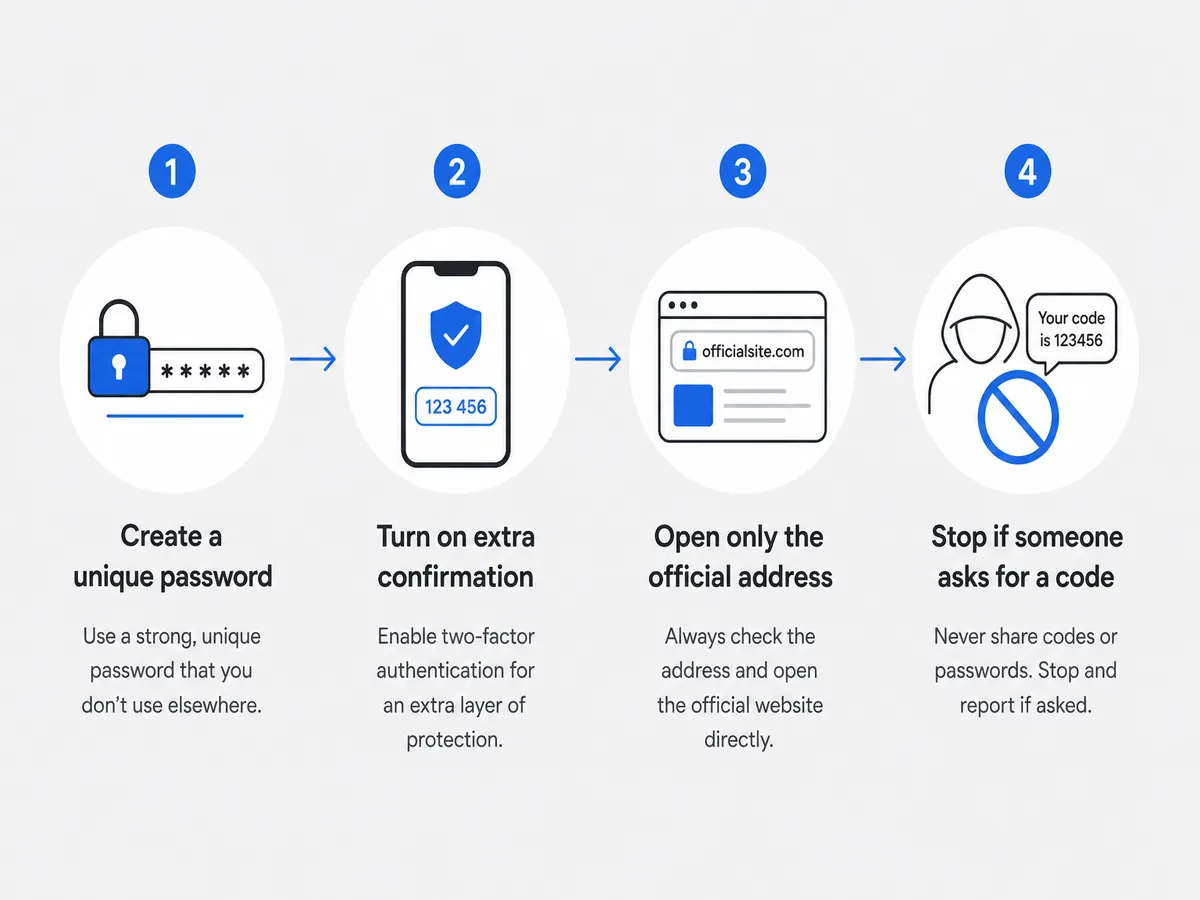
First a separate password. Then a second check. Then a look at the address. If someone asks for a code, stop. The four steps are on the diagram below and in the neighbouring pieces on reading the site and on taking a pause.
Security · FAQ · Responsible play · About Wilder
FAQ
Do I need a separate password?
Yes. The password for your mail should not be the password for another service.
Who can I tell a code from an email?
No one. A member of staff does not ask for a code in chat first.